Uttik FAQ Content & Schema
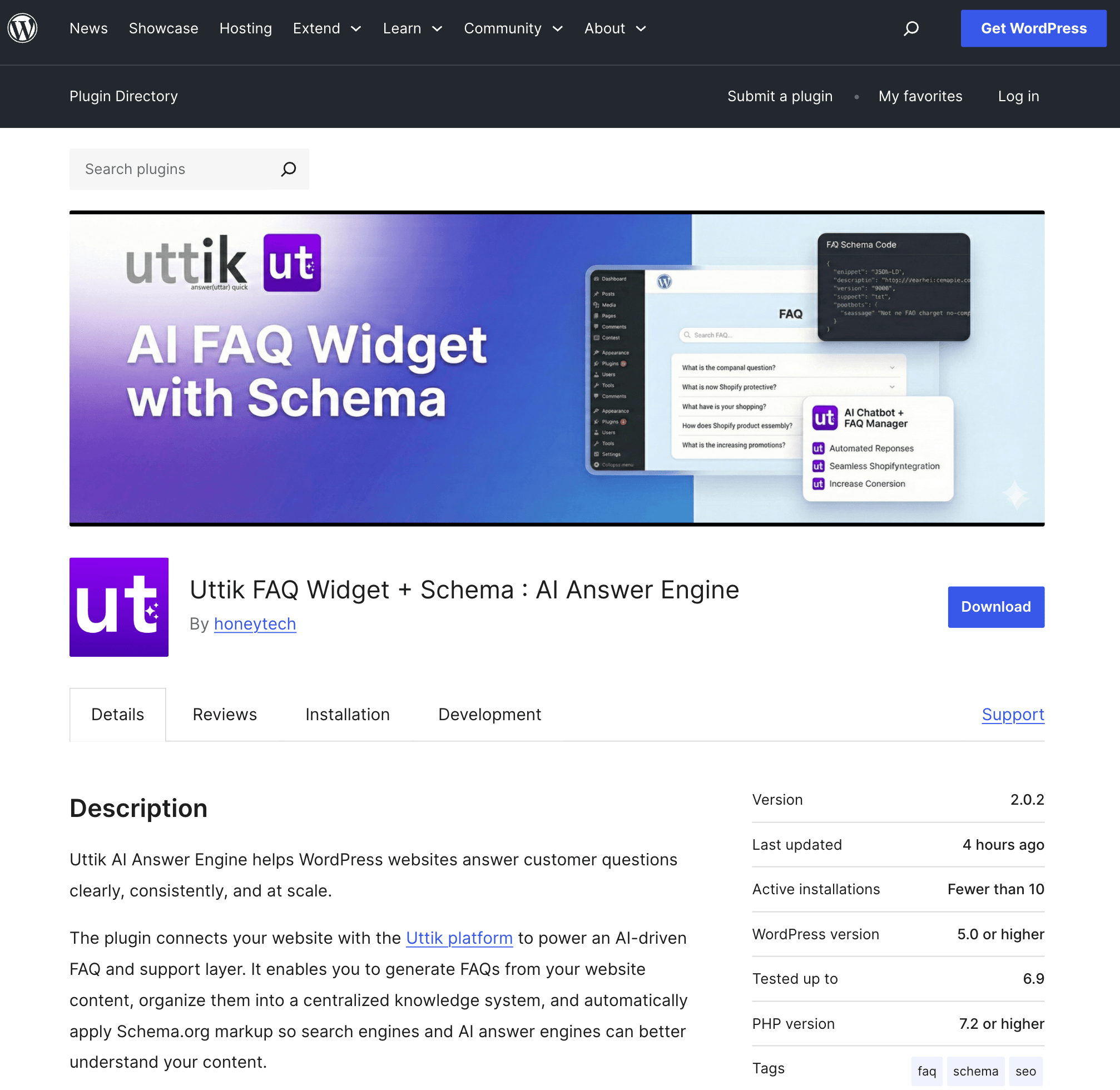
Your Own AI Answer Engine for WordPress Websites — the essential tool for AI SEO success and Answer Engine Optimization. Deliver accurate, on-brand responses to every customer query.
Powerful, Simple, Effective
AEO AI Answer Engine is a no-code, plug-and-play solution that powers instant, trusted answers for your WordPress store.
No Code. No Clutter
Deploy in minutes—no developers, no delays. Get up and running instantly.
Smart, Schema-Rich
Optimized for Google, Gemini, and GPT search interfaces for maximum visibility.
On-Brand at Scale
Trained on your own content for perfect accuracy and consistent brand tone.
Everything You Need
Powerful features designed to elevate your customer experience
No-Code Plug & Play Widget
Install and configure in minutes without any technical expertise
AI Smart FAQ Generation
Automatically generate comprehensive FAQs from your content
Custom RAG Model Builder
Build retrieval-augmented generation models tailored to your business
Human-in-the-Loop Escalation
Seamlessly escalate complex queries to your support team
Multilingual Auto-Learning
Automatically adapt and learn from interactions in multiple languages
AI & Voice Search Optimized
Built for the future of search with AI and voice-first experiences
Getting Started with Uttik WordPress Plugin
Install and configure your AI Answer Engine in minutes with our simple step-by-step guide
Installation
Upload or Install Plugin
Upload the plugin files to /wp-content/plugins/uttik-answer-engine, or install directly from the WordPress Plugins screen
Activate Plugin
Activate the Uttik AI Answer Engine plugin from the WordPress Plugins screen
Configure Settings
Navigate to Settings > Uttik AI FAQ and enter your Uttik Organization ID
Add FAQ Widget to Pages
Use the shortcode to display FAQs anywhere on your site:
[uttik_faq_widget]Setup Guide
Get Your Organization ID
Sign up or log in to your Uttik dashboard at uttik.com and copy your Organization ID from the settings
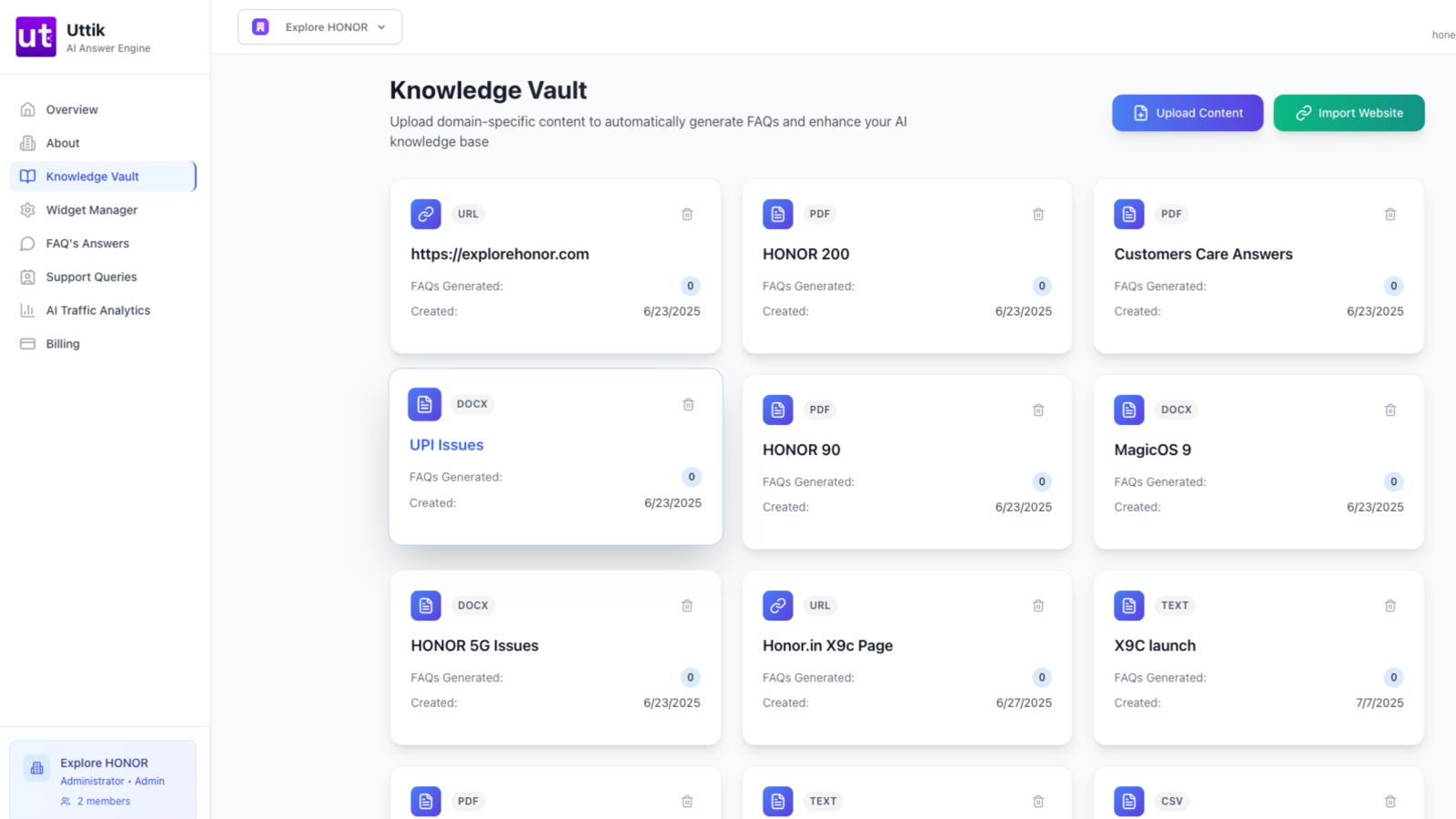
Create Knowledge Vault
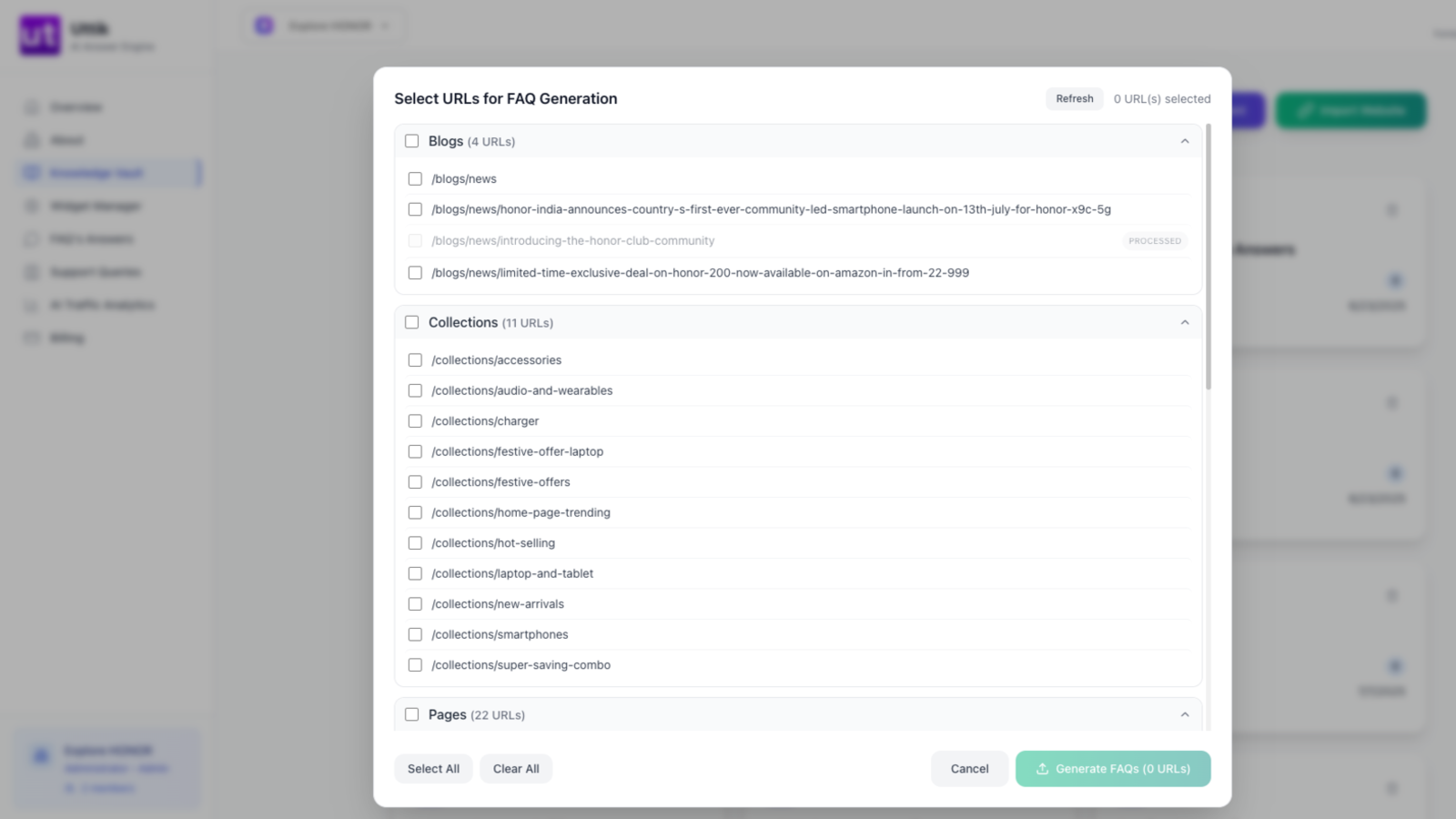
In your Uttik dashboard, create your first Knowledge Vault by importing your website sitemap or uploading content
Generate AI FAQs
Use the AI FAQ generation feature to automatically create comprehensive FAQs from your content with proper schema markup
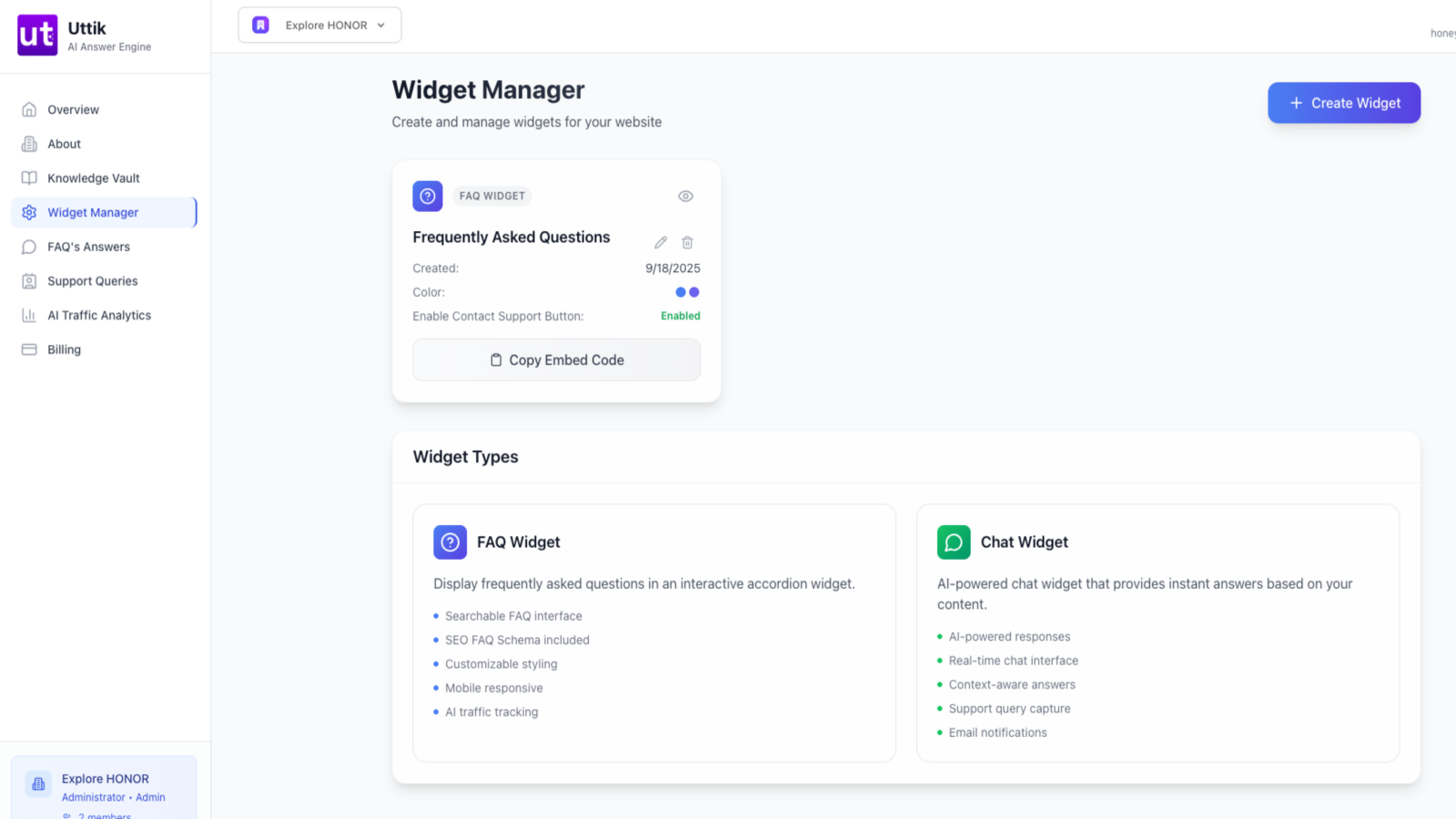
Configure Widget Appearance
Customize the FAQ widget's appearance, colors, and behavior to match your brand identity
Need Help?
Check out our comprehensive documentation or contact our support team for assistance
Why WordPress Site Owners Choose Uttik
5-Minute Setup
No coding required—get your AI Answer Engine live in minutes
SEO & AEO Optimized
Built for Google, Gemini, ChatGPT and voice search visibility
Boost Conversions
Instant, accurate answers reduce bounce rates and increase sales
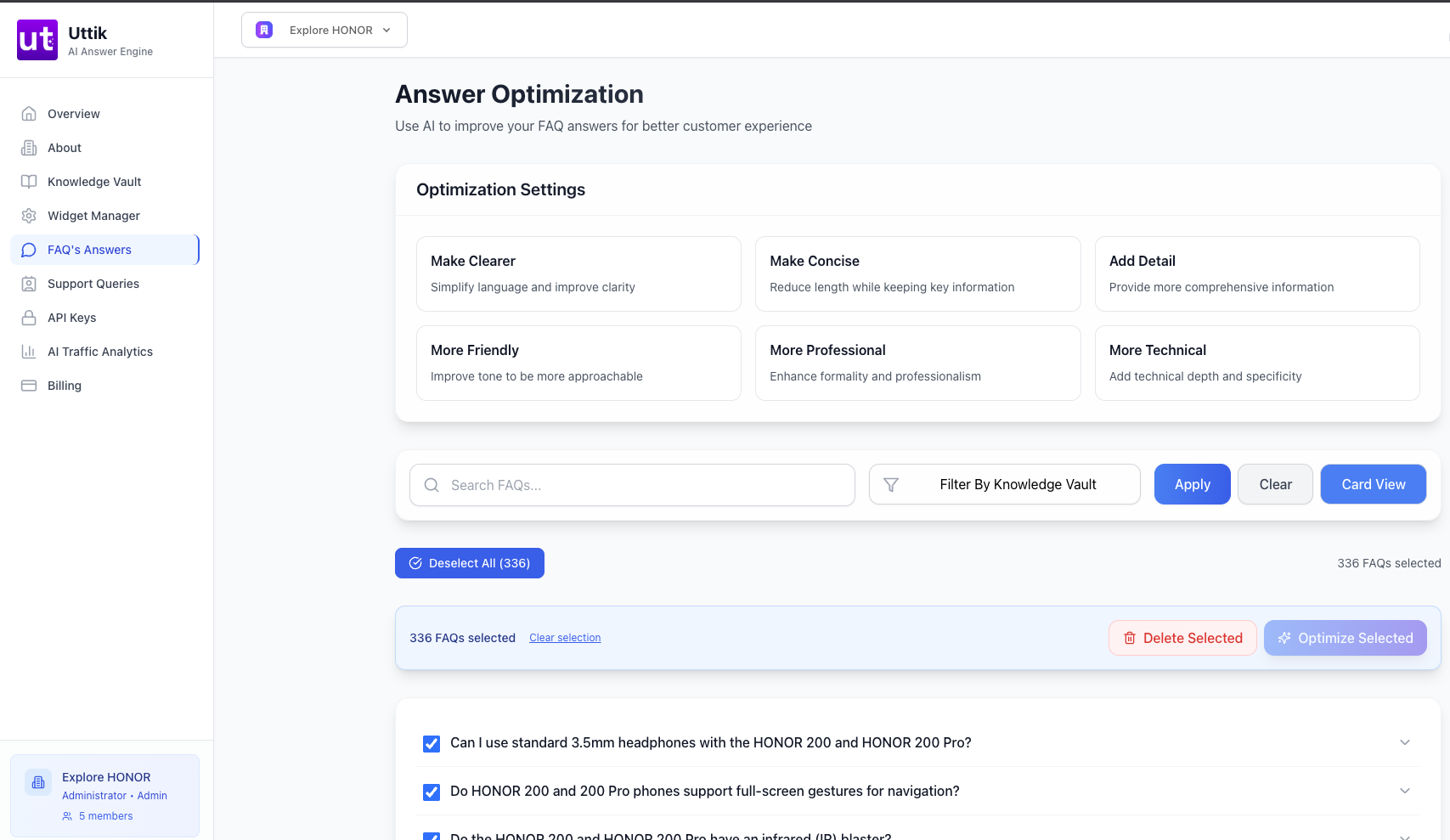
App Interface Preview For WordPress
Check preview of Your Own AI Answer Engine